Who wants desert snap finger flying with your pet?
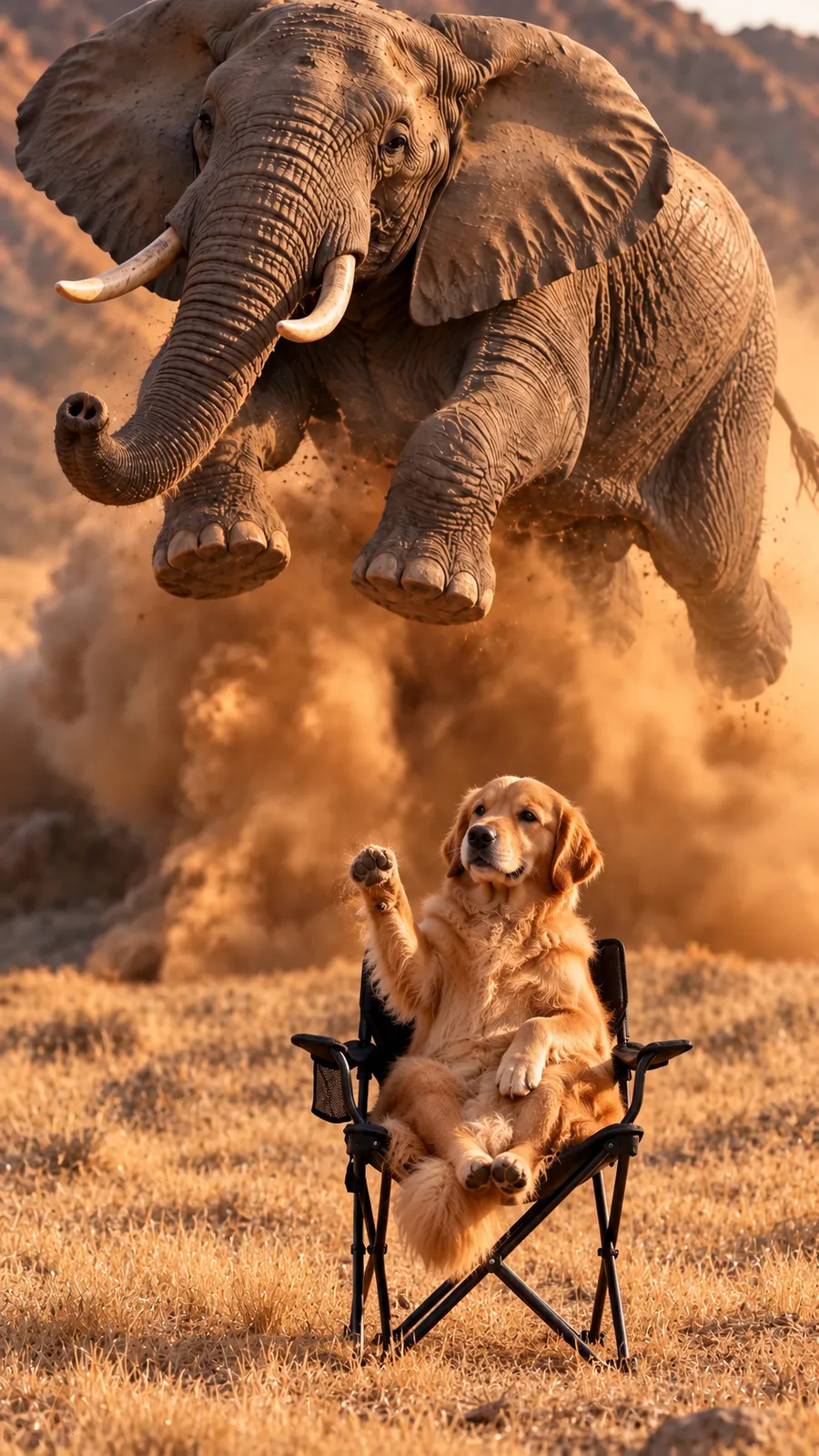
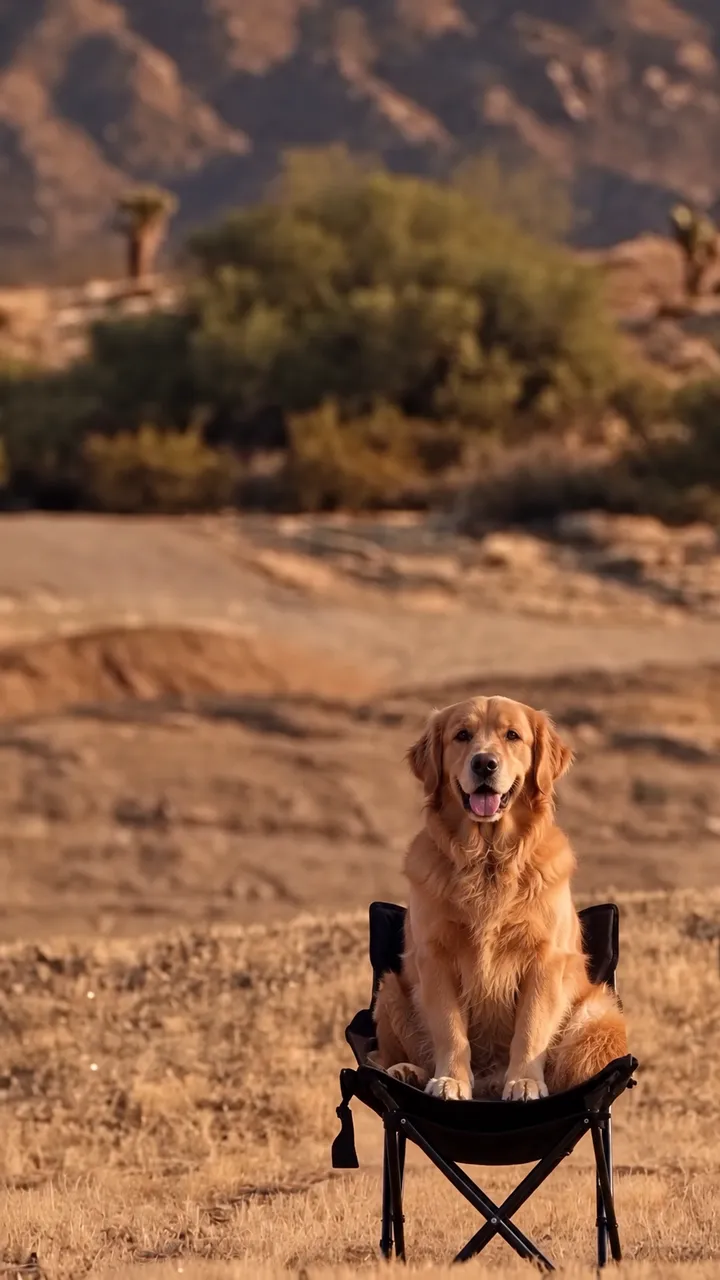
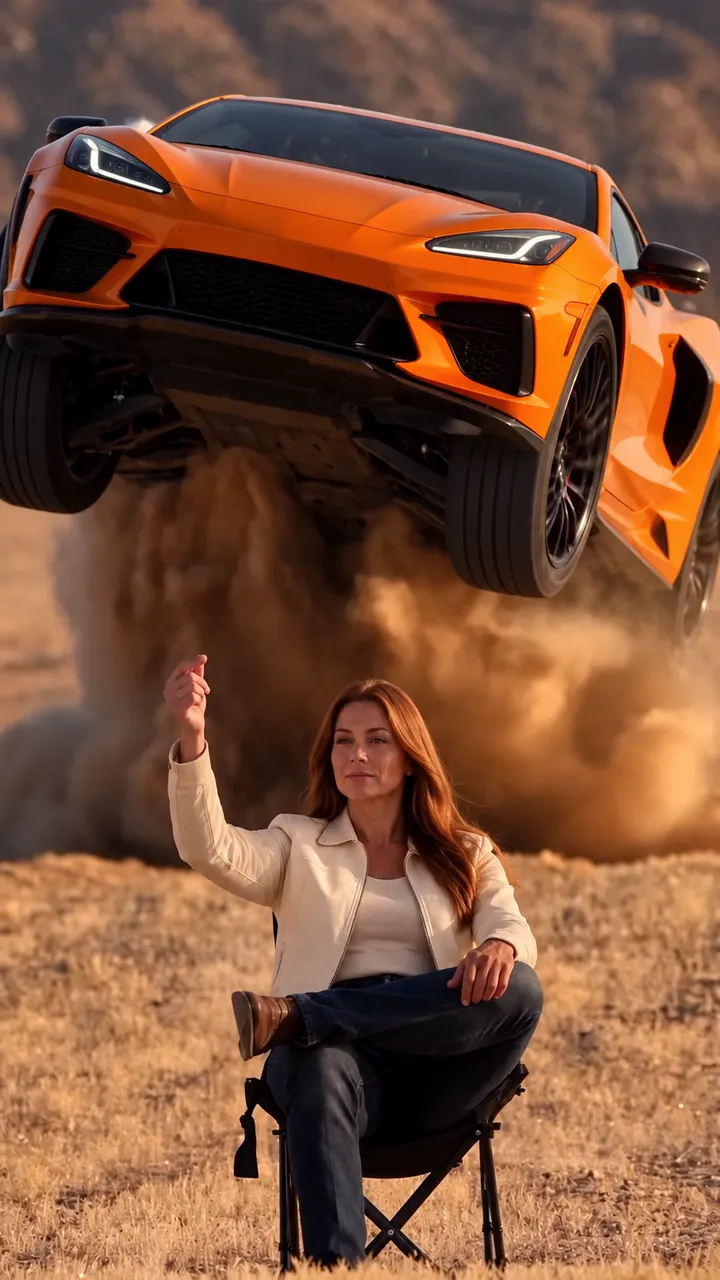
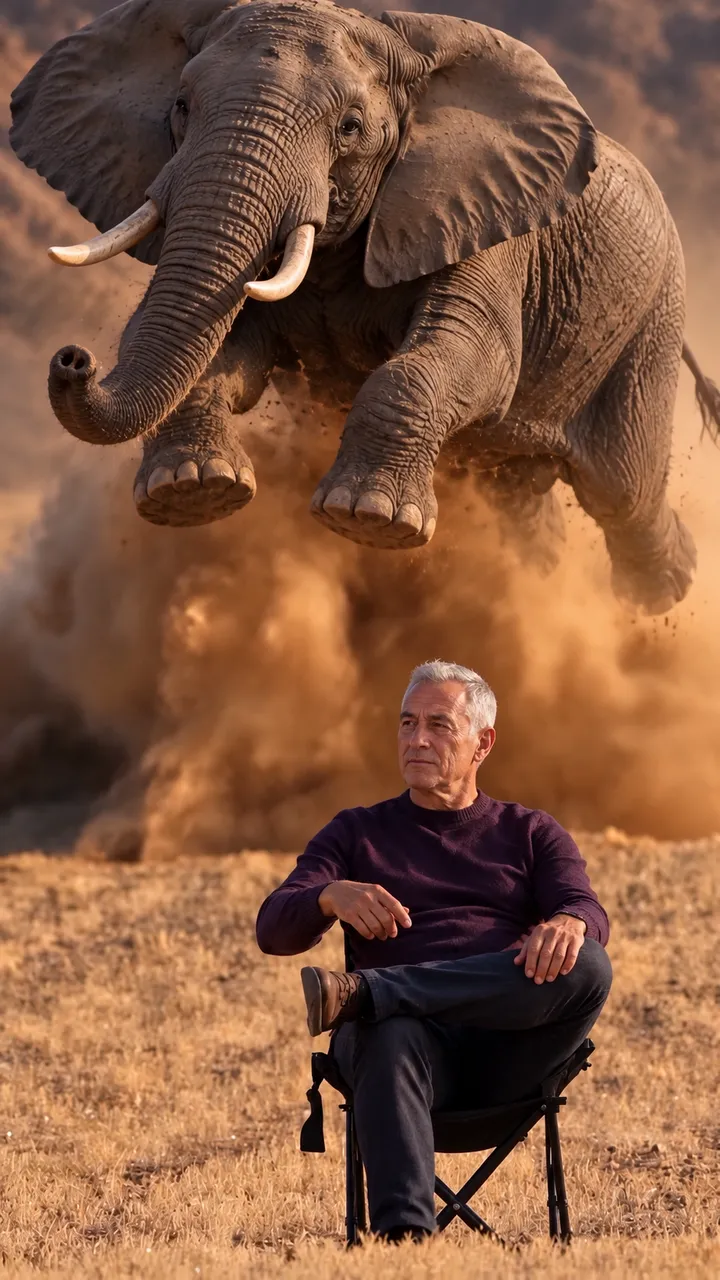
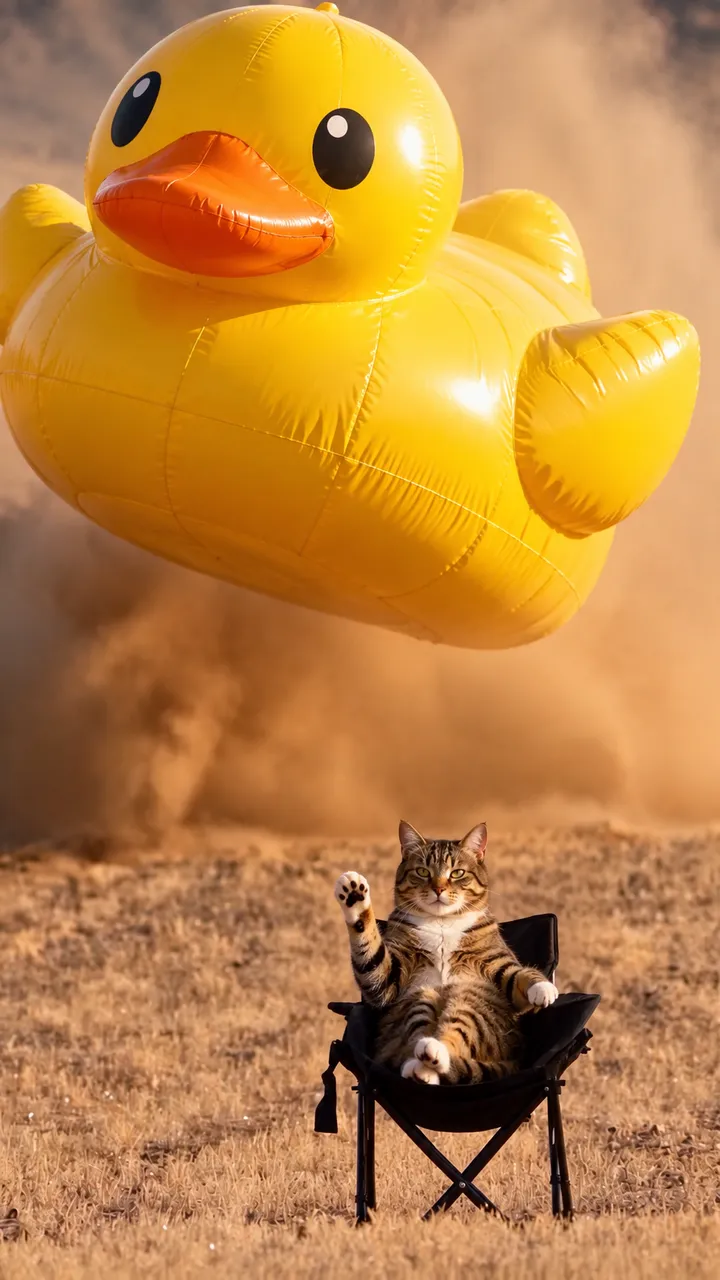
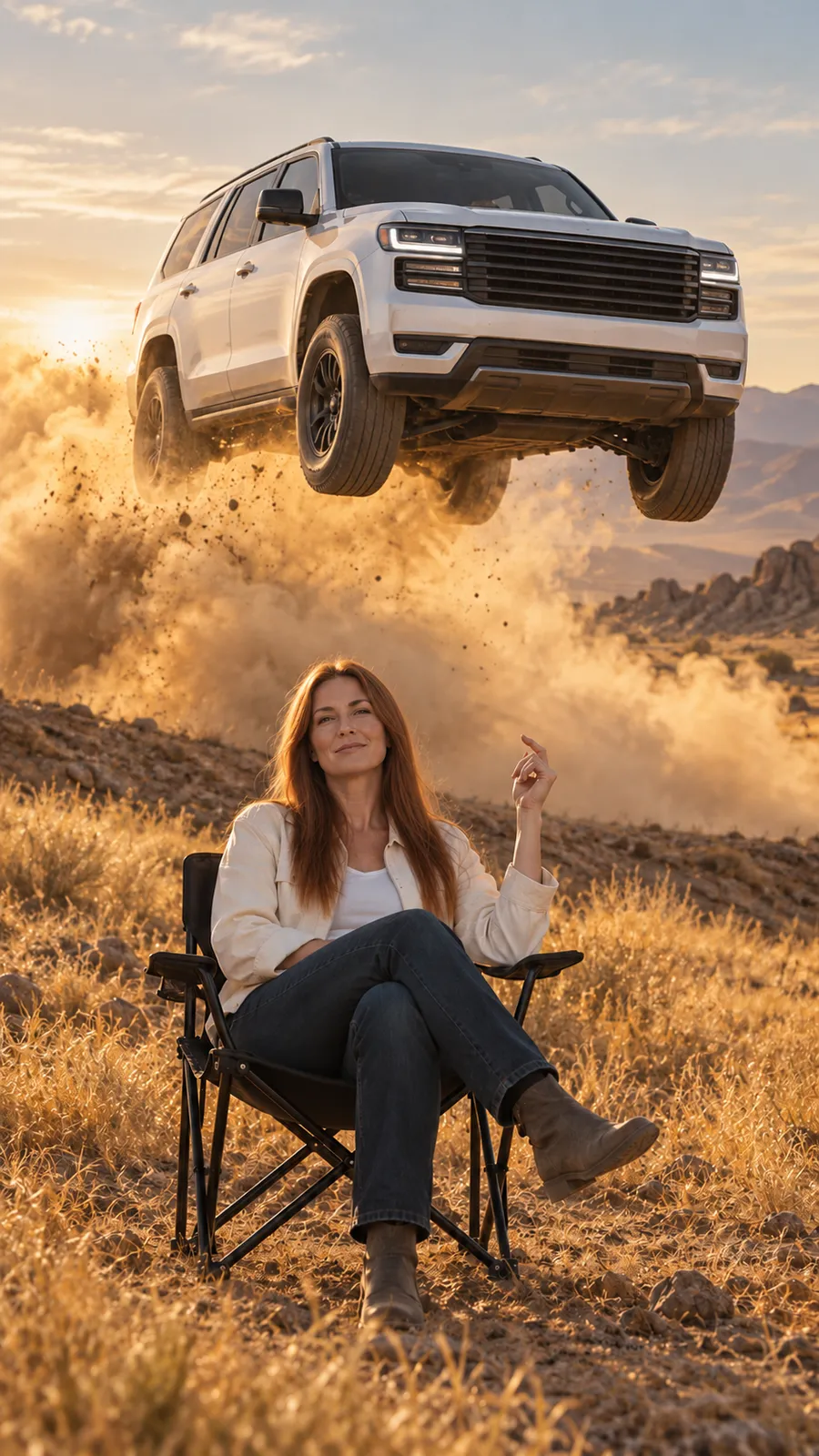
Pet owners are the obvious fit: a dog or cat sitting calm in the chair while something huge sails past is the kind of joke people replay. It also suits car owners who want their own car in the jump and anyone who likes absurd pairings, such as a parrot in the chair and a whale flying over. The scene stays the same: the folding chair, the dry desert field, the snap and the dust. Only the subject in the chair and, if you add one, the flying subject change. If a photo shows a person, use yourself or an adult who agreed. The jump never happened, so say the clip is edited when you post it.
Which photos work best for the chair and the jump?
For the chair, use one clear subject per photo: a person, a pet or any animal, whole body if possible, in good light and with nothing covering the face or head. For the flying subject, show the whole thing with nothing in front of it. A car looks best from the front at a three quarter angle, close to how the SUV faces the camera as it comes down. An animal or object works best when its full outline is visible against a plain background. Busy backgrounds, crowds and heavy crops give the template less to work with.
What changes in the clip and what stays the same?
The template keeps the desert background, the camera angle, the timing of the snap, the path of the jump, the dust cloud and the audio. Your first photo replaces the man in the chair. An animal without hands makes a close gesture, such as raising a paw, at the moment of the snap. Your second photo replaces the white SUV and follows the same takeoff, flight and landing. Small details such as badges, lettering or markings can shift during generation. Odd pairings can look strange. Watch the result before you post it. A failed generation returns to your wallet, but a finished clip you decide not to keep still uses one.
 02