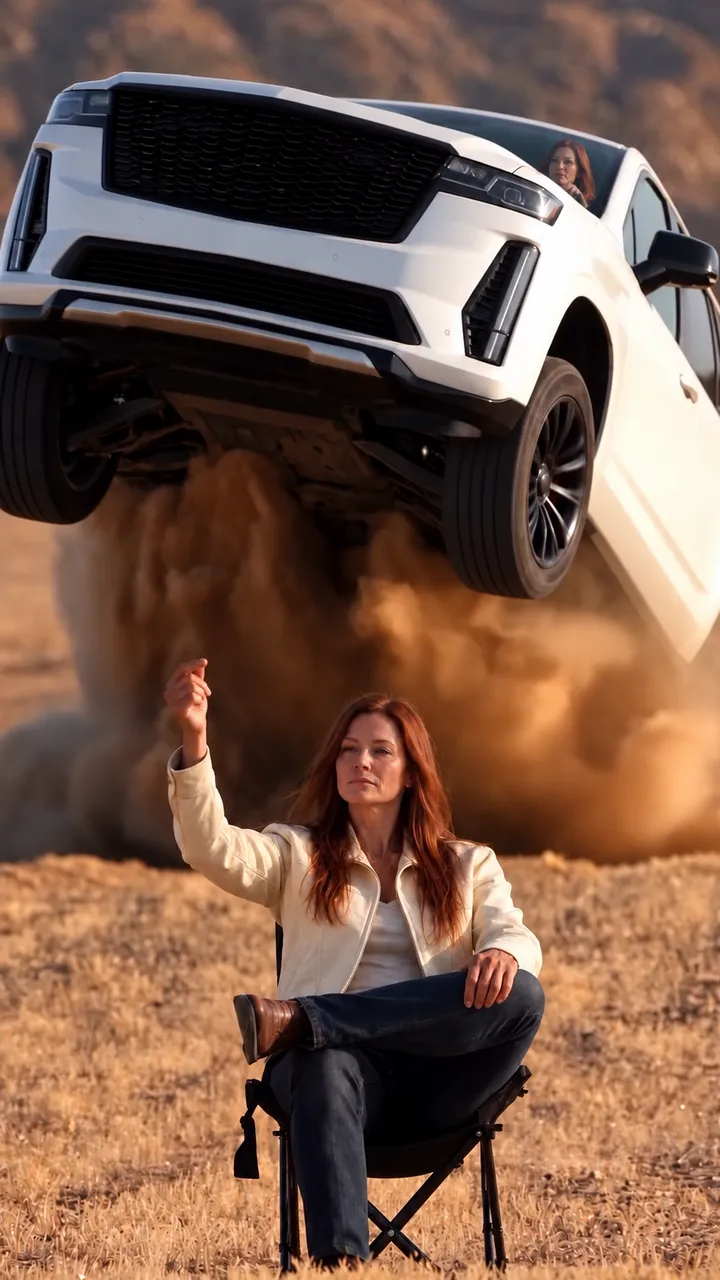
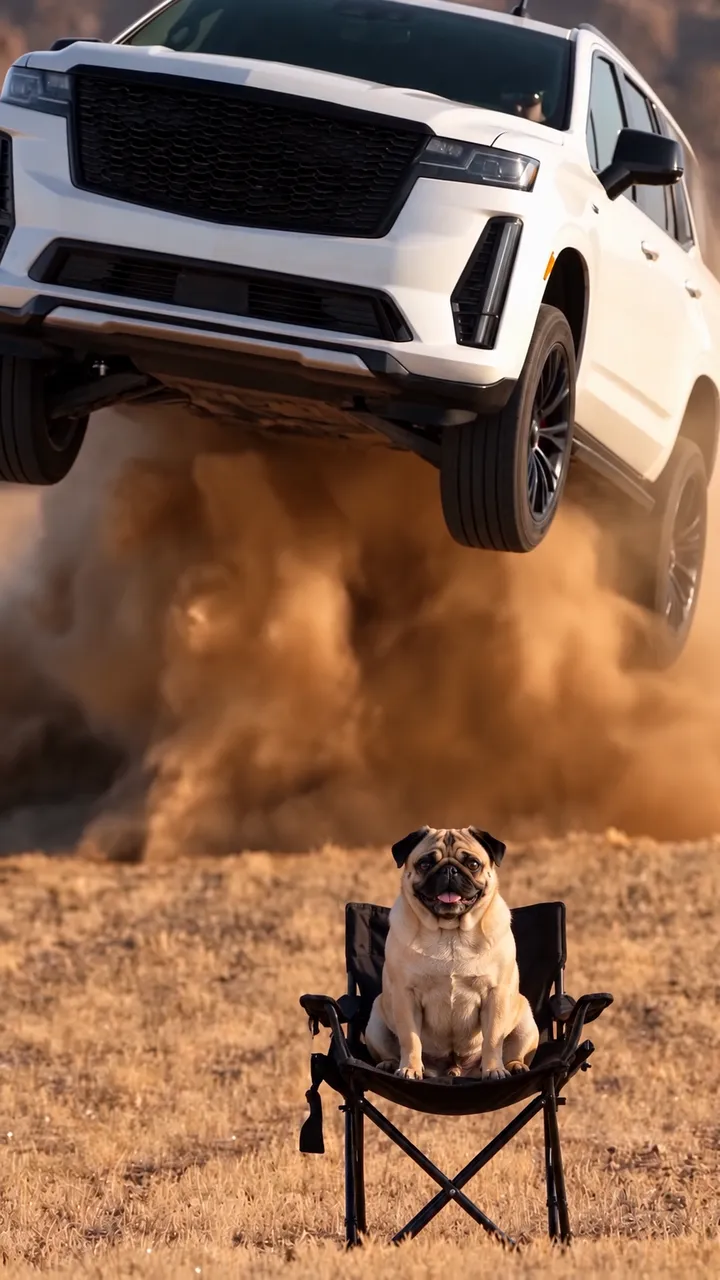
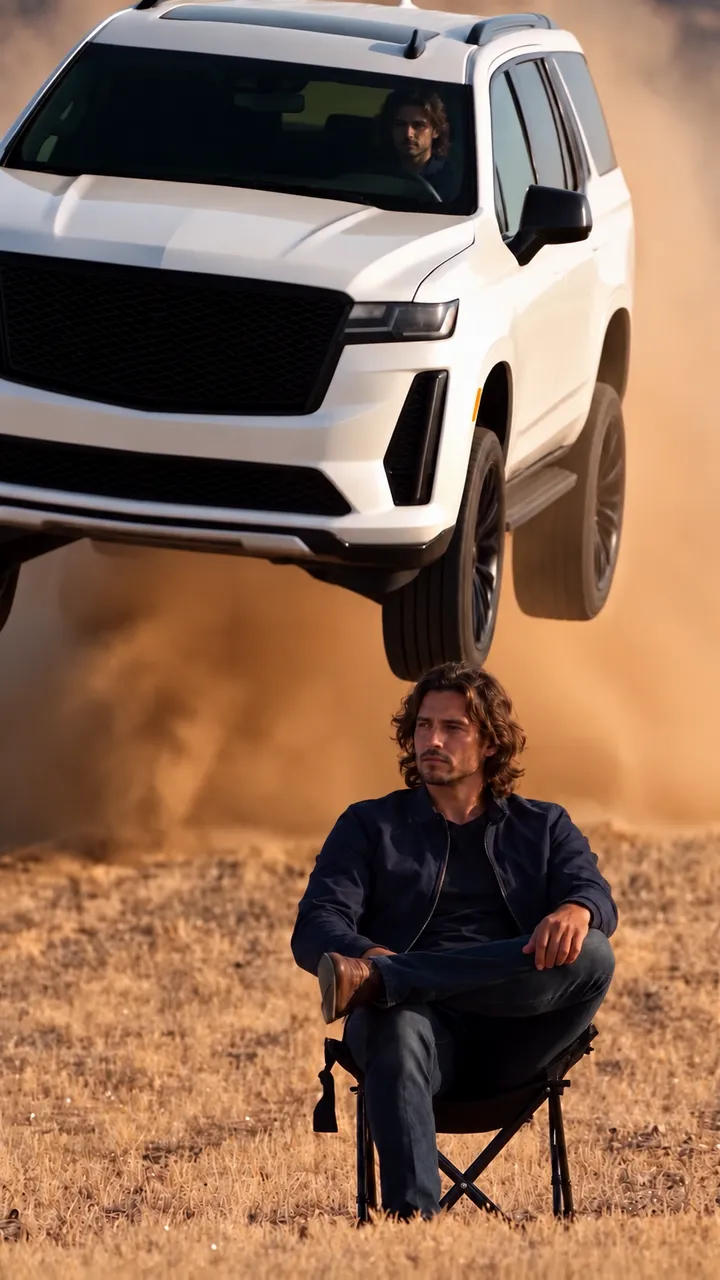
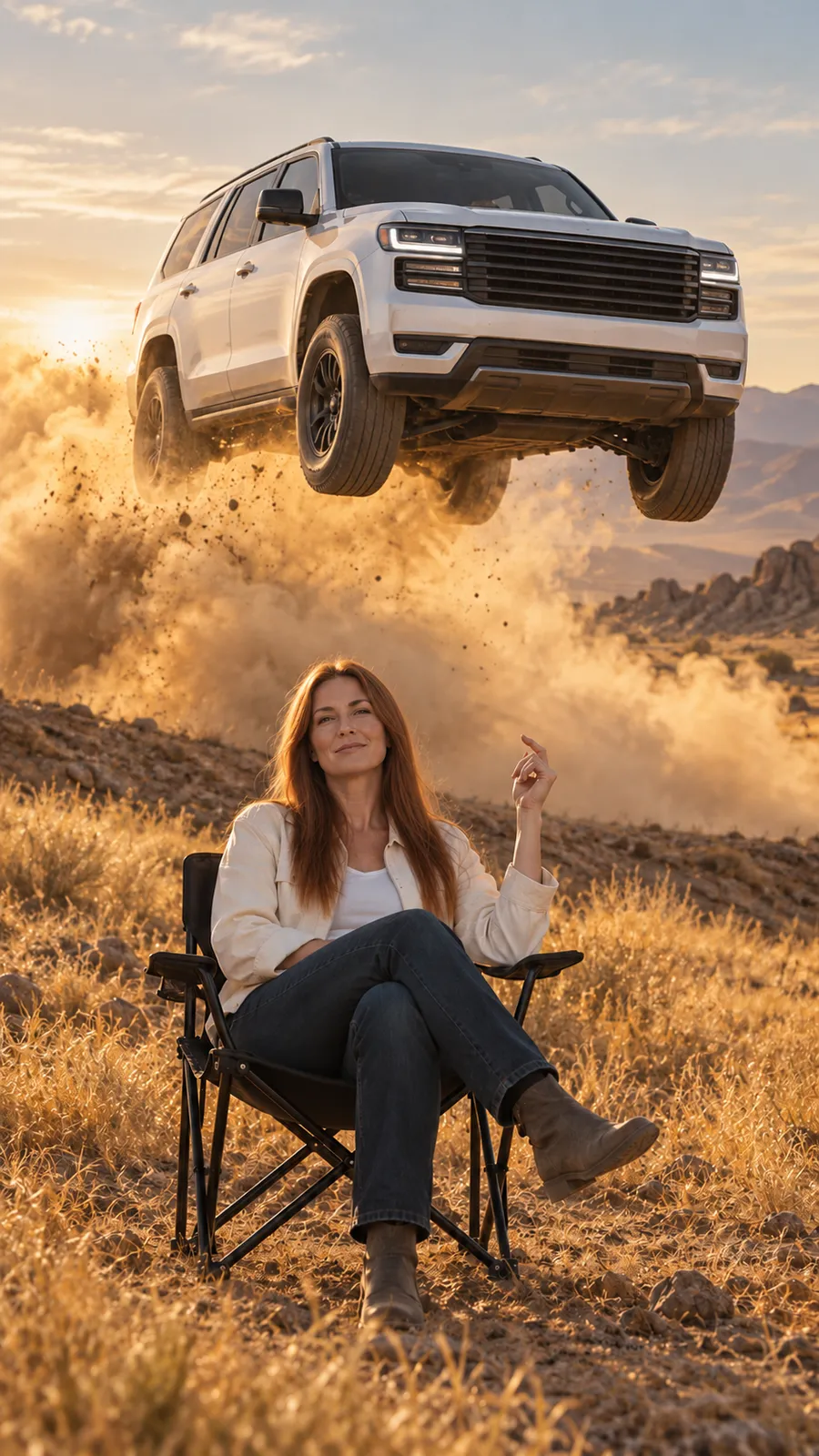
classic SUV desert snap finger flying template. Scene illustration.
Illustration of the template scene. Not a generated result.

What sets this template apart?

PhotosOne photo of a person or animal
VehicleWhite SUV from the template
QualityStandard 480p or HD 720p
AudioKept from the template
Try this template

How do I make this video?

Selected template

classic SUV desert snap finger flying template. Scene illustration.

Classic SUV

The classic SUV desert snap finger flying template recreates the trend the way most people know it. Someone sits in a folding chair in a desert field, snaps and a large white SUV launches over the slope and flies over them. You upload one photo of a person or an animal and nothing else.

1Choose a photo

Who sits in the chair*

You, a friend, your pet or any animal. One clear subject, whole body if possible, good light.

Your photo stays in your browser until you select Generate video.

2Choose a template

Before you create

Show or hide the terms
  • You are 18 or older.
  • If a photo shows a person, it is you or you have their permission.
  • No sexual content, no minors and no content meant to deceive, harass or impersonate someone.
  • Results are for personal use and stay available for 7 days.
  • If a generation fails, you get that generation back.
This video: 1

If a generation fails, it goes back to your wallet. This is a balance adjustment, not a cash refund.

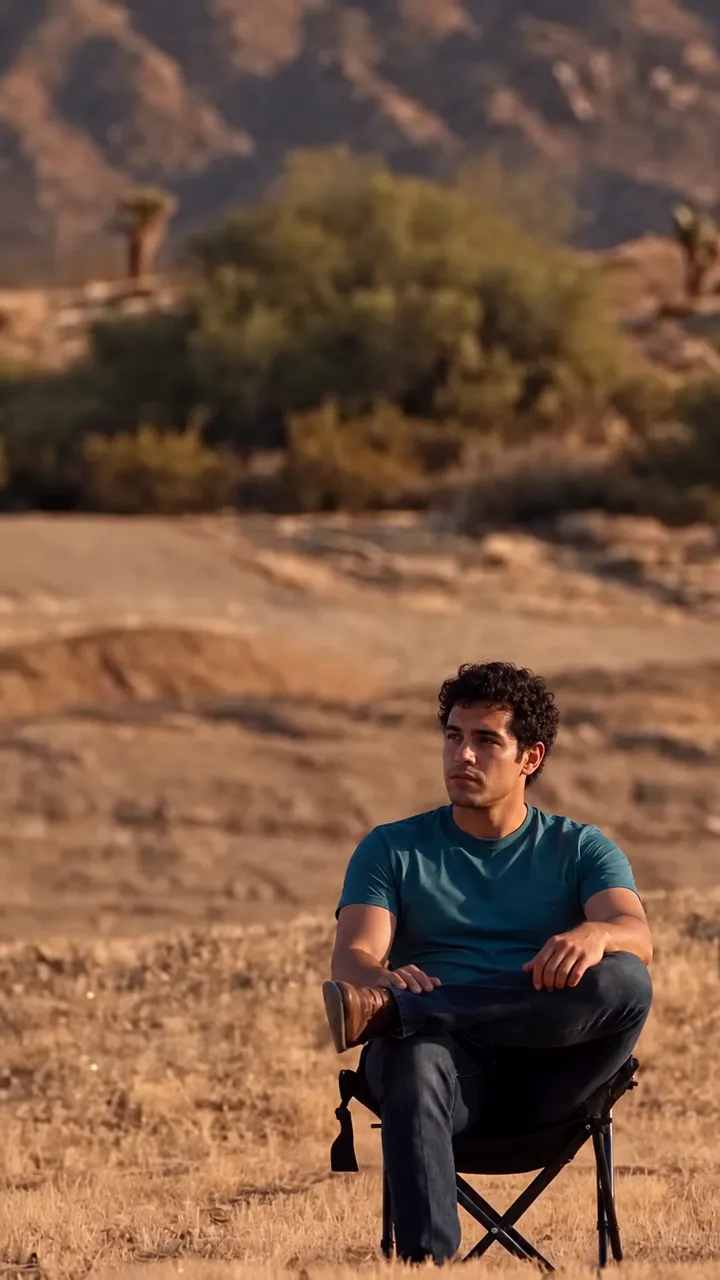
These frames are simulated from the template video with fictional people. They are not results from real customers.

Who is the classic SUV template for?

It suits anyone who wants the familiar version of the clip with the least effort. There is a single upload, so it works well when you have no idea yet for a flying subject or simply like the white SUV. Creators use it for a calm, unbothered intro, pet owners put their dog or cat in the chair and friends use it for a quick joke in a group chat. If a photo shows a person, use yourself or an adult who agreed. The stunt never happened, so say the clip is edited when you share it.

Which photo works best for the seated pose?

The man in the template sits with legs crossed, turns his head and raises one arm to snap. A whole body or half body photo in good light gives the template the face, build and clothing or fur to carry through those moves. Keep the face or head clearly visible, without sunglasses or a hat brim over the eyes. A pet works too: it takes the seat and makes a close gesture, such as raising a paw, at the snap. One subject per photo works best, so crop out other people, other animals and busy backgrounds.

Does the white SUV change in the classic version?

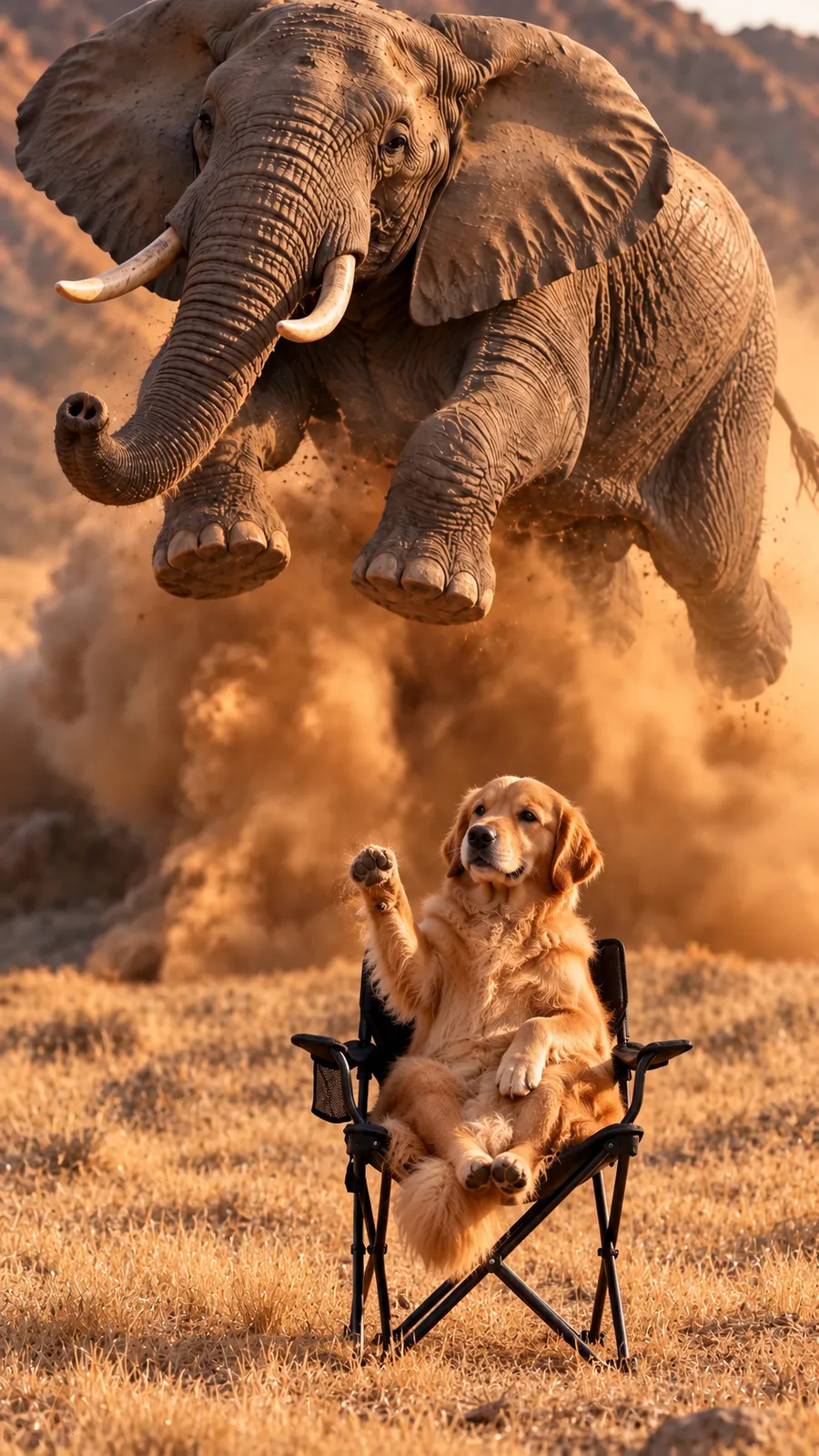
No. The white SUV keeps its shape, color, path, jump and landing. The desert, the dust, the camera angle, the timing and the audio also stay as they are in the template. Only the subject in the chair changes. The SUV is a stand in vehicle for the scene and this site is not tied to any car brand. If you want something else to fly over, such as your own car or an animal, switch to the anything flies template and add a second photo. A failed generation returns to your wallet, but a finished clip you decide not to keep still uses one.
Quick facts

Which photo should I use?

Use 1 clear photo of the subject for the chair in even light: you, an adult with permission, a pet or any animal. The Anything flies template also accepts an optional photo of what flies over. Your browser converts readable images to JPEG with a longest edge of 2048 pixels. The submitted JPEG must be at most 10 MB, with a shortest edge of at least 512 pixels and a longest edge no greater than 4096 pixels. If HEIC will not open, use JPG or PNG.

Do I get a desert snap finger flying video with no watermark?

Yes. You receive an MP4 video with no watermark. There are 2 available templates. The selected template sets the scene and action. Faces, fur, clothing and the flying subject can change. A preview does not guarantee your result. There is no promised completion time. Save a local copy of any video you want to keep.

How long can I download a result?

Completed videos are available for 7 days after completion. Download a copy to keep it longer. Browser storage can be cleared or become unavailable, so it is not a permanent backup.

Ready to try this template?

Add your photos to try this scene.